Logos
Google
Figma
Adding logos and brand colors to your Figma file
- Click the Assets tab at the top of the left bar, then click Add more libraries.
- When the Manage Libraries popup appears, click Your organization.
- Under Design; Branding & Marketing, click Brand Integration-Logos and/or Instinct Brand Guidelines, depending on your needs.
✅ They should now all be under “assets” in your file. Drag and drop what you need into your page.
📌 Owner: Amanda Bilbery · Last updated: July 8, 2026
1. Introduction
Instinct has grown through building native products and through acquisition. This document defines how those brands are represented together — consistently, and in a way that benefits both in a two-way equity exchange. Some portfolio brands carry strong independent recognition in the veterinary space; Instinct brings platform, scale, and infrastructure. The integration naming and logo system is designed to preserve and leverage both.
2. Logo Usage
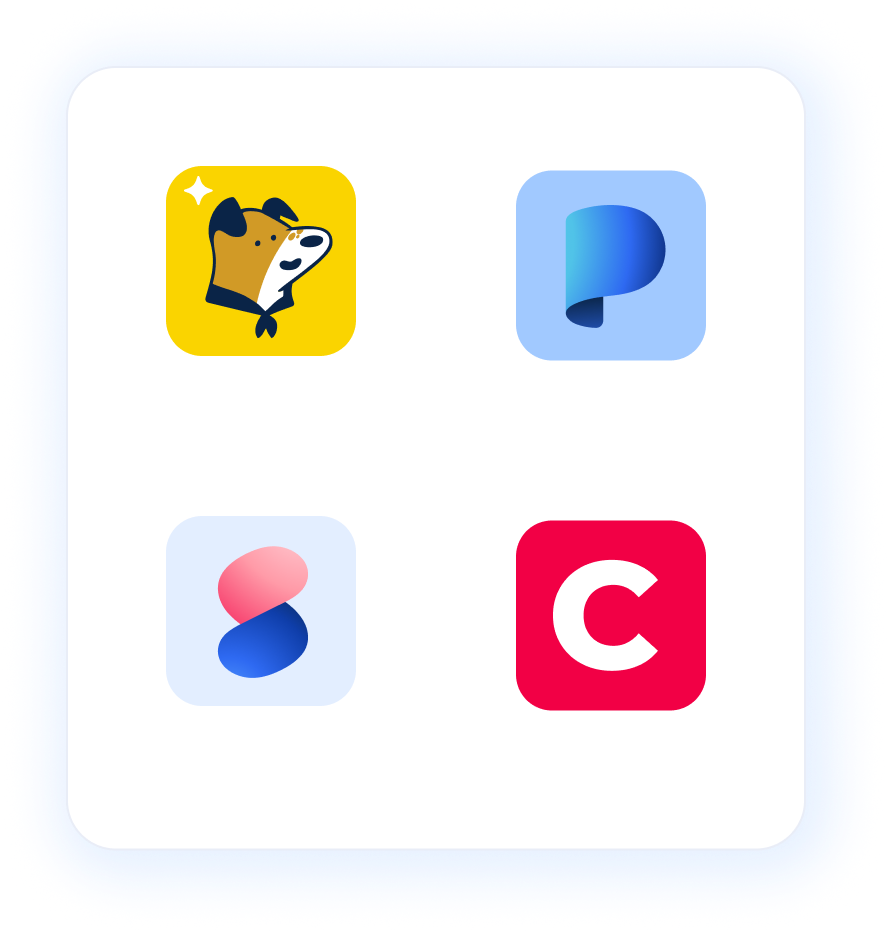
- When portfolio brand logos are displayed alongside the Instinct logo, they should preferably appear in the product tile format (shown in the header image on this page) — a rounded-corner square that visually groups them as part of the same brand family. This consistent treatment positions ScribbleVet, Standards, Plumb’s, and Clinician’s Brief as products under the Instinct parent brand umbrella. When portfolio brand logos appear in an Instinct environment but are not directly co-displayed with the Instinct logo, the rounded-corner square is not required — the standard logo format is fine.
- If the Instinct name or logo is not already present in an environment, the integration lockup (Instinct + [Brand] lockup) should be used. Standalone portfolio brand logos are never acceptable in any context where Instinct is not otherwise visible or mentioned.
- Pre-built logo lockups exist for each portfolio brand — always use these. Never create your own combination. Use the files in the Logo Library below, or reach out with a special request.
- Color variants: Navy and White, with various color mark options per brand. Multiple color options are sometimes provided to offer flexibility with contrast. If you need a single-color option that isn’t provided, submit a request to have one made or approved.
- Minimum size and clear space rules: The rules outlined for the main company logo in Section 2, page 6 of the Brand Guidelines apply to all logos.
Figma:
Google Drive: https://drive.google.com/file/d/16IhpDU85BVJGkPMdURyc5Glse8jfoya7/view?usp=drive_link
Additional Reference
| Context | Logo to use |
|---|---|
| Portfolio brand logos displayed alongside the Instinct logo (platform UI, navigation, brand family layouts) | Standalone brand logo — product tile format (rounded-corner square) |
| Portfolio brand logos in an Instinct environment, but not directly co-displayed with the Instinct logo (e.g., further down a webpage, within an email) | Standalone brand logo — standard format (no rounded square required) |
| External marketing, social media, events, press | Instinct + [Brand] lockup |
| Portfolio brand websites or apps | Instinct + [Brand] lockup |
| Partner or co-marketing materials | Instinct + [Brand] lockup |
| Internal use | Either — use your best judgement |
3. Logo Library
All approved brand integration logo files are available below. Always use the latest files from here — do not use logos saved locally or sourced elsewhere. The examples in this section correspond to the logo types referenced in Section 2.
🤷♀️ Not sure which file format to use? Refer to the File Format Guide ↗ for guidance on when to use each type. If you need a specific format or version that isn't available in the export folders, reach out to Amanda or post in #brand-design — we can make a custom one.
Instinct + Portfolio Brand Lockups
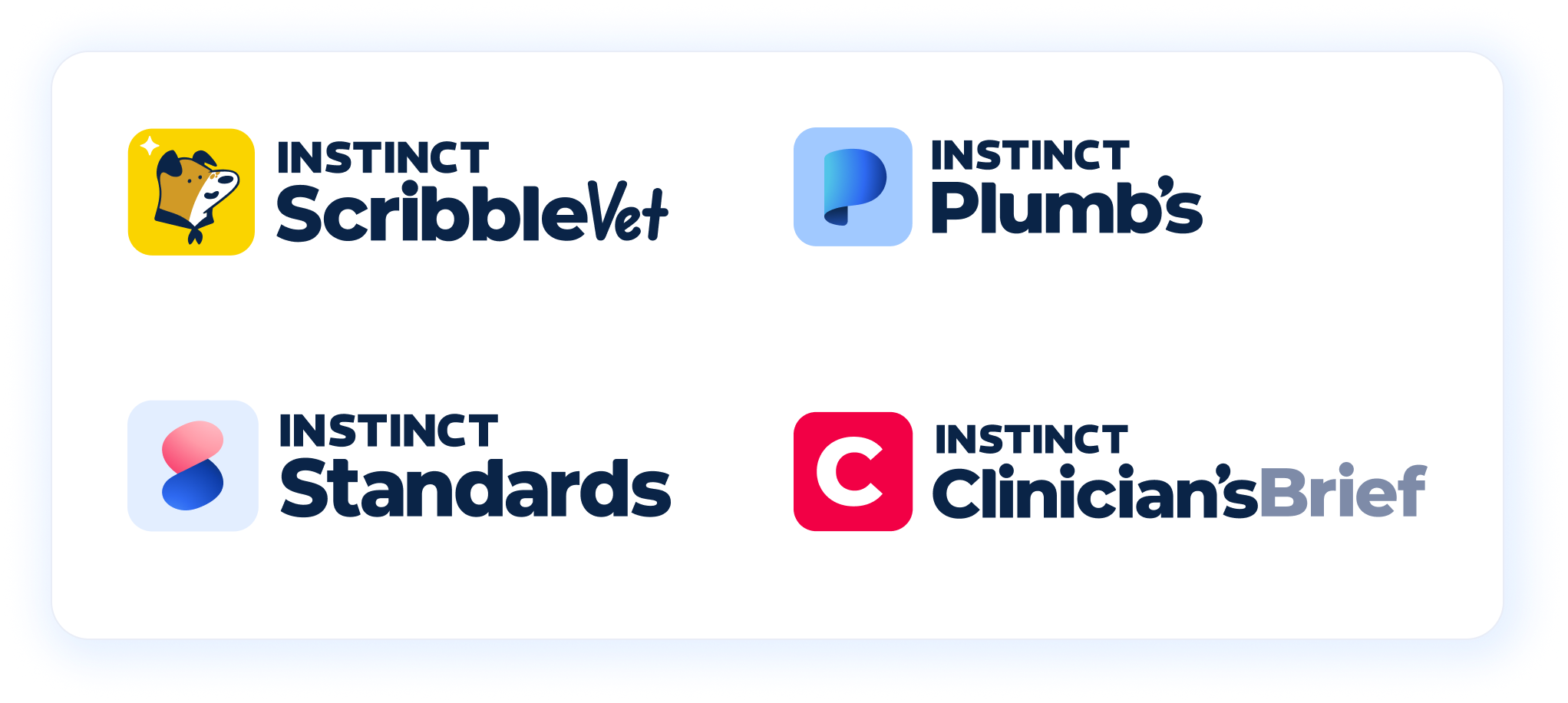
- ScribbleVet: Download ↗
- Standards: Download ↗
- Plumb's: Download ↗
Required in all external contexts where Instinct is not otherwise present.
- The pre-built file pairing the Instinct name or mark with a portfolio brand's logo in an approved composition.
- It is preferred to just include the Instinct company logo in or above the standalone logos vs. a group of logos with “Instinct” in each lockup.
Standalone Logos
- ScribbleVet: Download ↗
- Standards: Download ↗
- Plumb's: Download ↗
- Clinician's Brief: Download ↗
Used within Instinct environments:
The portfolio brand's full logo — without Instinct.
Special case (not shown in groupings)
Standards + Plumb's combined logo: Download ↗
Logo Marks
- ScribbleVet: Download ↗
- Standards: Download ↗
- Plumb's: Download ↗
- Clinician's Brief: Download ↗
The logo marks alone can be used as favicons, icons, profile images, or any time the company name is spelled out in live text next to the mark. In those cases, lockups with the wordmark included are redundant and unnecessary. The logo mark should be enough.
Questions?
💬 Not sure what applies to your situation? The logo usage guidelines are unlikely to anticipate every scenario. For edge cases, one-off requests, or anything not covered here, reach out to Amanda, Leila or post in #brand-design on Slack.
Amanda Bilbery amandabilbery@instinct.vet
Leila Golestanha leilagolestanha@instinct.vet
⚠️ Common Mistakes
- Using the standalone Plumb's, Standards, or ScribbleVet logo in external marketing or on the brand's own website
- Creating unofficial lockup arrangements outside of these guidelines — Just ask.
- Treating portfolio brands as independent entities in any external-facing communications